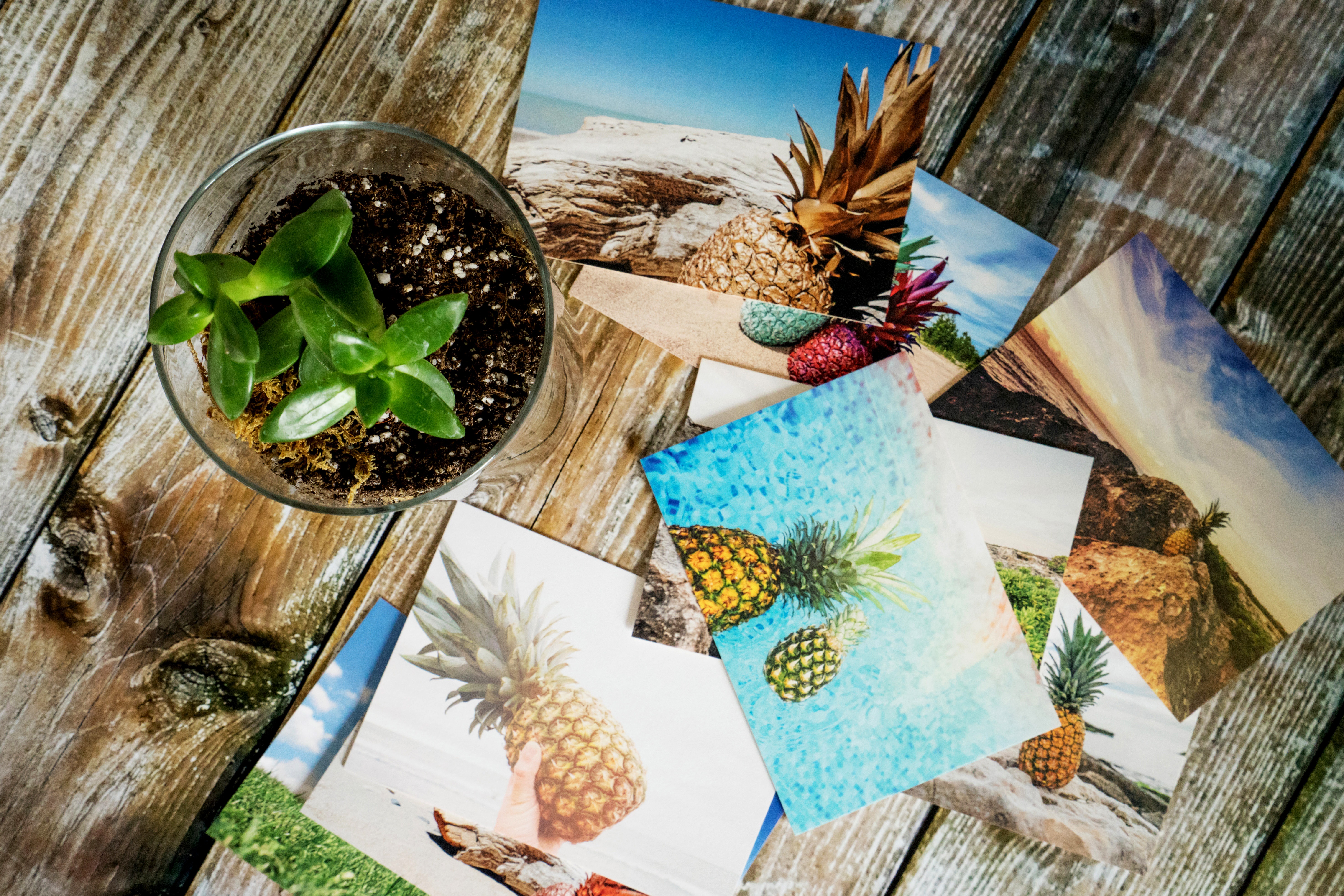
We take more photos than ever.
They live on our phones, memory cards, hard drives, cloud storage, and social feeds.
But there is still something completely different about holding a photograph in your hand.
A print slows you down. It gives an image a sense of permanence. It turns a photo from something you scroll past into something you can frame, gift, display, scrapbook, sell, or simply keep.
And if you’re the kind of photographer who enjoys being involved in the entire creative process, owning a photo printer lets you take control from capture all the way to the final print.
At Henry’s, we carry a range of Canon and Fujifilm printers designed for everything from quick smartphone prints to professional 13-inch gallery-quality work. The right one depends on what you want to do with your photos.
Why Own a Photo Printer?
For some photographers, printing at home is about convenience.
For others, it’s about control.
When you own a dedicated photo printer, you can make a print the moment you finish editing. You can compare different crops, adjust colour, test different papers, create gifts at the last minute, or prepare prints for a client without waiting for a lab order.
It also changes how you look at your photography.
An image that looks great on a bright back-lit screen may feel completely different on paper. Printing teaches you to pay closer attention to exposure, colour, sharpening, contrast, and composition.
For photographers who want to improve, that feedback can be incredibly valuable.
And there’s another reason.
It’s fun.
Printing a favourite family photo, handing someone an image you just made, or finally seeing one of your landscapes at 13 x 19 inches is one of the most satisfying parts of photography.
Not Every Printer Is Trying to Do the Same Thing
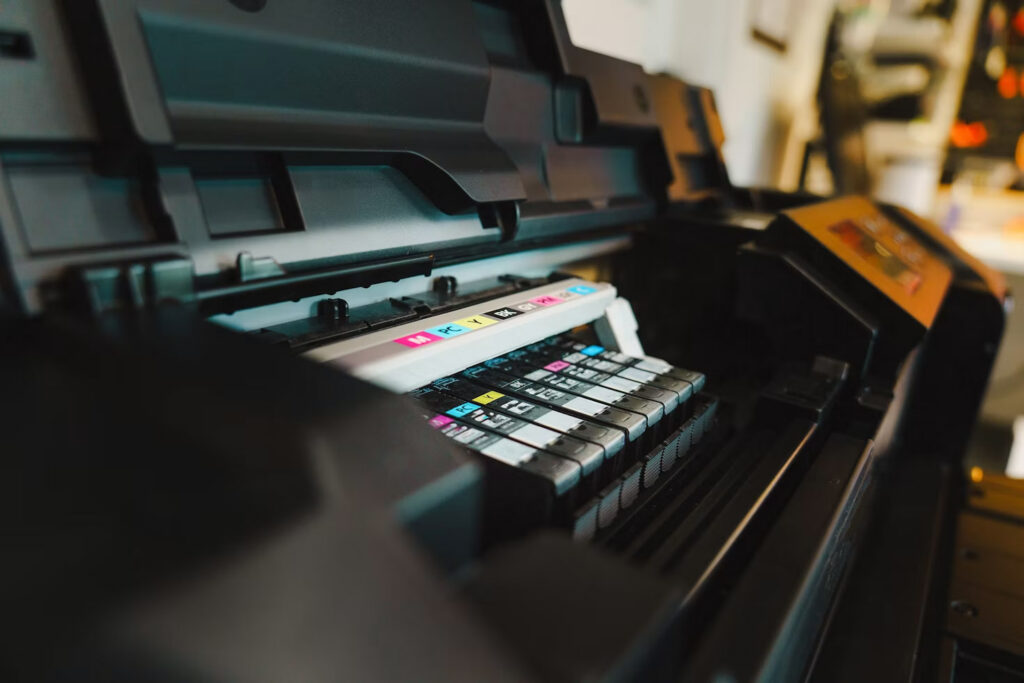
The easiest way to choose a printer is to think about what you want the finished photo to become.
Do you want quick 4 x 6 prints for family albums?
Small sticker prints from your phone?
Instant-style prints for parties and events?
Large colour photographs for your wall?
Fine-art prints where tonal range and colour accuracy matter?
Canon and Fujifilm approach these needs in very different ways, which is why there’s room for both in a photography kit.
Canon SELPHY CP1500
Best for Family Photos, Events and Easy 4 x 6 Printing
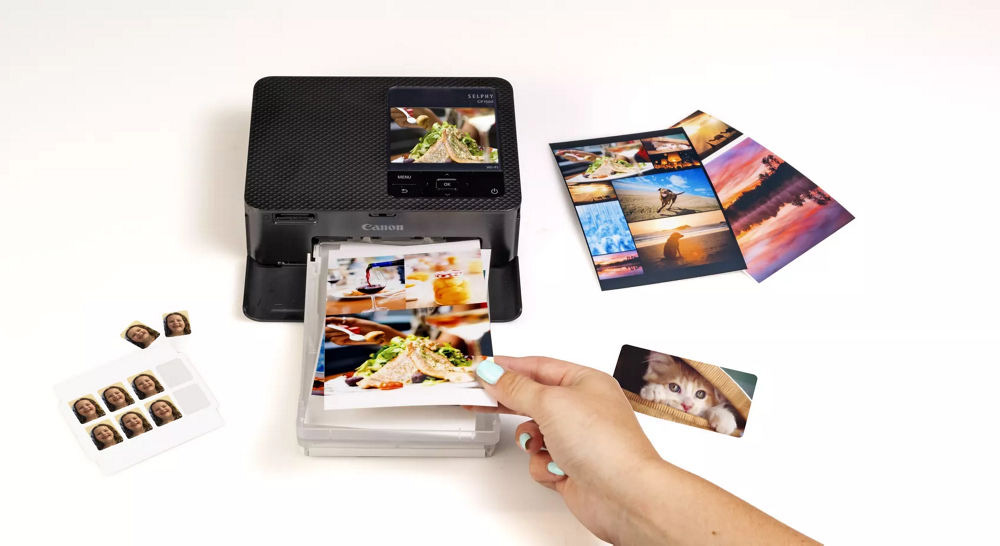
The Canon SELPHY CP1500 is probably one of the easiest ways to bring photo printing into your home.
It uses dye-sublimation printing rather than traditional ink-jet technology, producing prints that come out dry and ready to handle. Canon also applies a protective overcoat that helps make the finished prints resistant to water and fingerprints.
The CP1500 can create traditional 4 x 6 prints along with smaller square and label formats, and you can send photos to it from a smartphone, computer, USB drive, or compatible memory card.
That flexibility makes it a great family printer.
You could use it to:
- Print photos from a birthday party while everyone is still there
- Create a family album after a vacation
- Make prints for grandparents
- Build a scrapbook
- Print photos for school projects
- Create small giveaways at an event
An optional battery pack also makes it possible to take the CP1500 away from the desk and use it at events or gatherings.
This is less about building a professional print studio and more about making photography tangible again.
Canon SELPHY QX20
Best for Small Prints, Stickers and Creative Projects
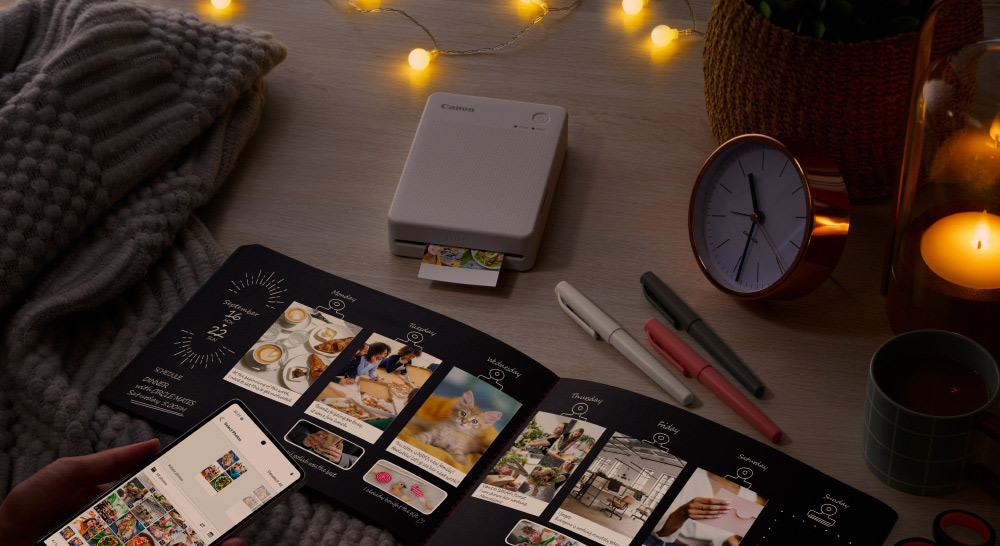
The SELPHY QX20 takes the compact-print idea even further.
It’s roughly clutch-bag sized, weighs around a pound, has a built-in rechargeable battery, and uses Canon’s dye-sublimation process to create square and card-sized sticker prints.
That makes it a much more lifestyle-oriented printer.
Think:
- Journals
- Scrapbooks
- Travel diaries
- Photo walls
- Party favours
- Wedding guestbooks
- Kids’ crafts
- Creative gifts
You can print directly from your phone through Canon’s SELPHY Photo Layout app, and the prints are dry immediately after they leave the printer.
If the CP1500 is the family photo printer, the QX20 is the printer you bring out when you want to make something.
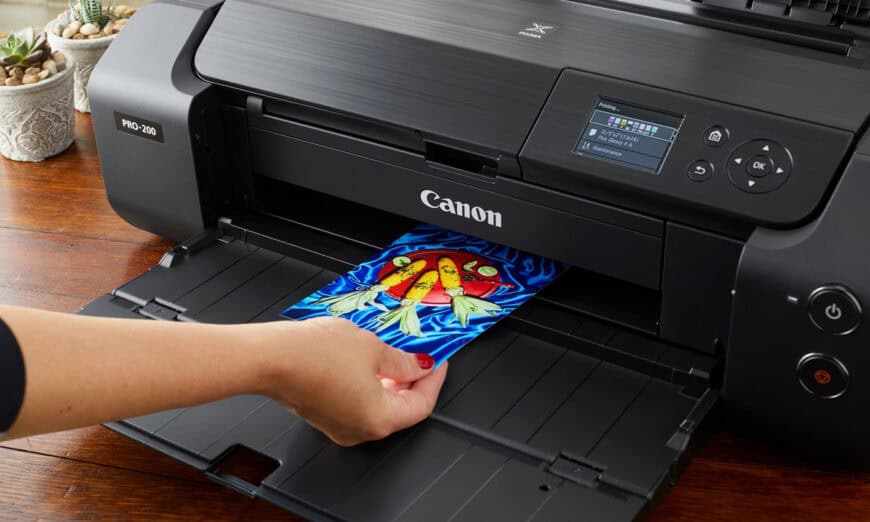
Canon PIXMA PRO-200S
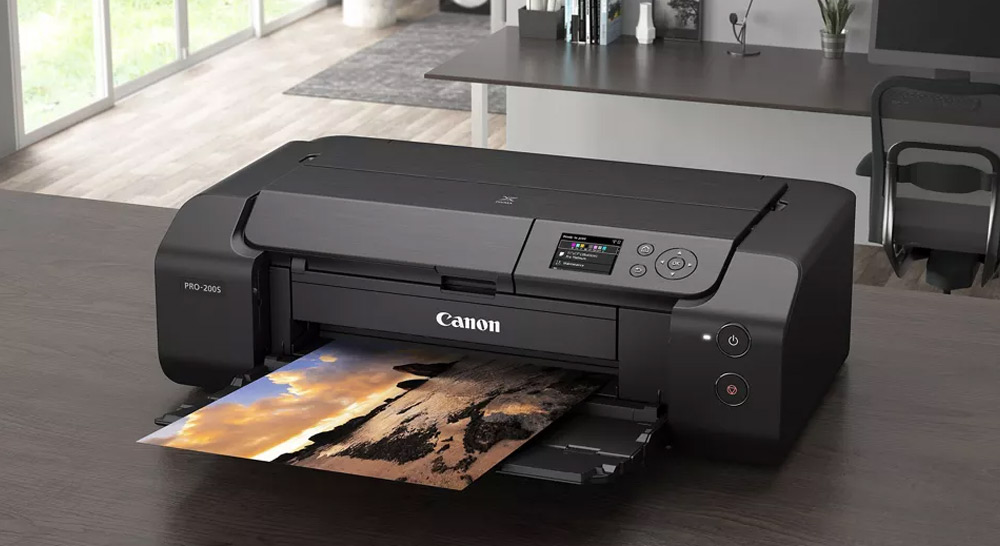
Best for Photographers Who Want Serious Prints at Home
This is where we move into a very different category.
The Canon PIXMA PRO-200S is built for photographers and graphic artists who want large, vibrant prints and much greater control over the final result.
It uses an 8-colour dye-based ink system and can print borderless photos up to 13 x 19 inches, with panorama printing available up to a custom 13 x 39-inch size.
That extra ink range is important.
A dedicated photo printer like the PRO-200S is designed to reproduce smoother tonal transitions and richer colour than a typical home office printer. That matters when you’re printing things like:
- Sunsets
- Portraits
- Travel photographs
- Automotive images
- Wildlife
- Landscapes
- Colourful fine-art work
The PRO-200S is also designed to work with Canon’s Professional Print & Layout software, which helps simplify colour management and print setup.
This is the kind of printer that makes sense when you’ve spent hours capturing and editing an image and want the print to actually reflect the work you put into it.
If you’re producing prints for your wall, selling prints at shows, preparing portfolio pieces, or simply want the satisfaction of printing your own photography at a high level, this is where things start getting serious.
Canon imagePROGRAF PRO-310
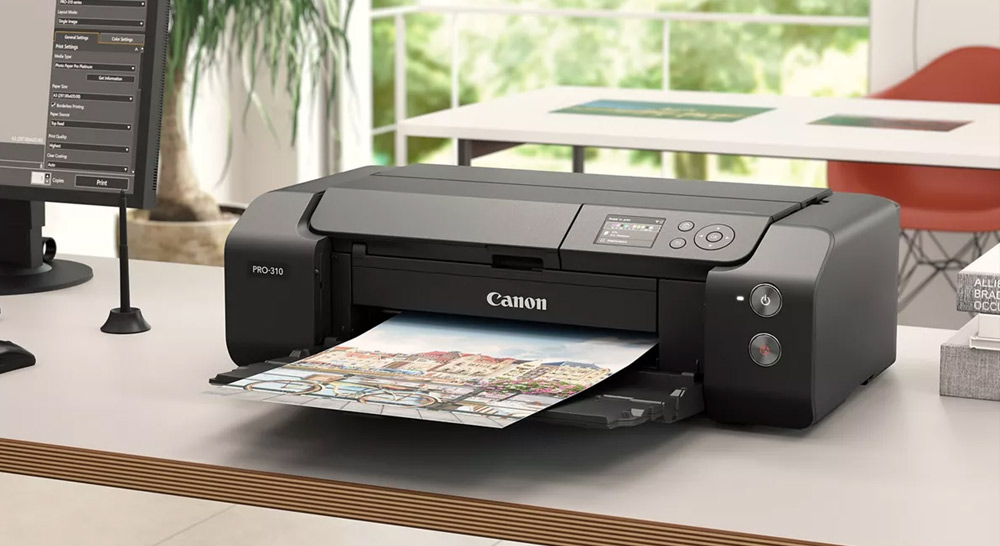
Best for Fine-Art Photographers and More Demanding Print Work
The imagePROGRAF PRO-310 takes the idea of a desktop photo printer farther into professional territory.
Henry’s currently carries the PRO-310 as part of Canon’s professional printer lineup, alongside the PIXMA PRO-200S and larger PRO-series models.
The real reason to step into a printer like this is not just size.
It’s control over colour, black levels, tonal transitions, paper choice, and the final presentation of your work.
This type of printer is especially appealing for:
- Fine-art photography
- Black-and-white printing
- Gallery work
- Portfolio prints
- Limited-edition print sales
- Commercial photography
- Professional portrait work
If the PRO-200S is a great photographer’s printer, the PRO-310 is aimed more directly at people who see printing as part of the craft itself.
Fujifilm INSTAX mini Link 3
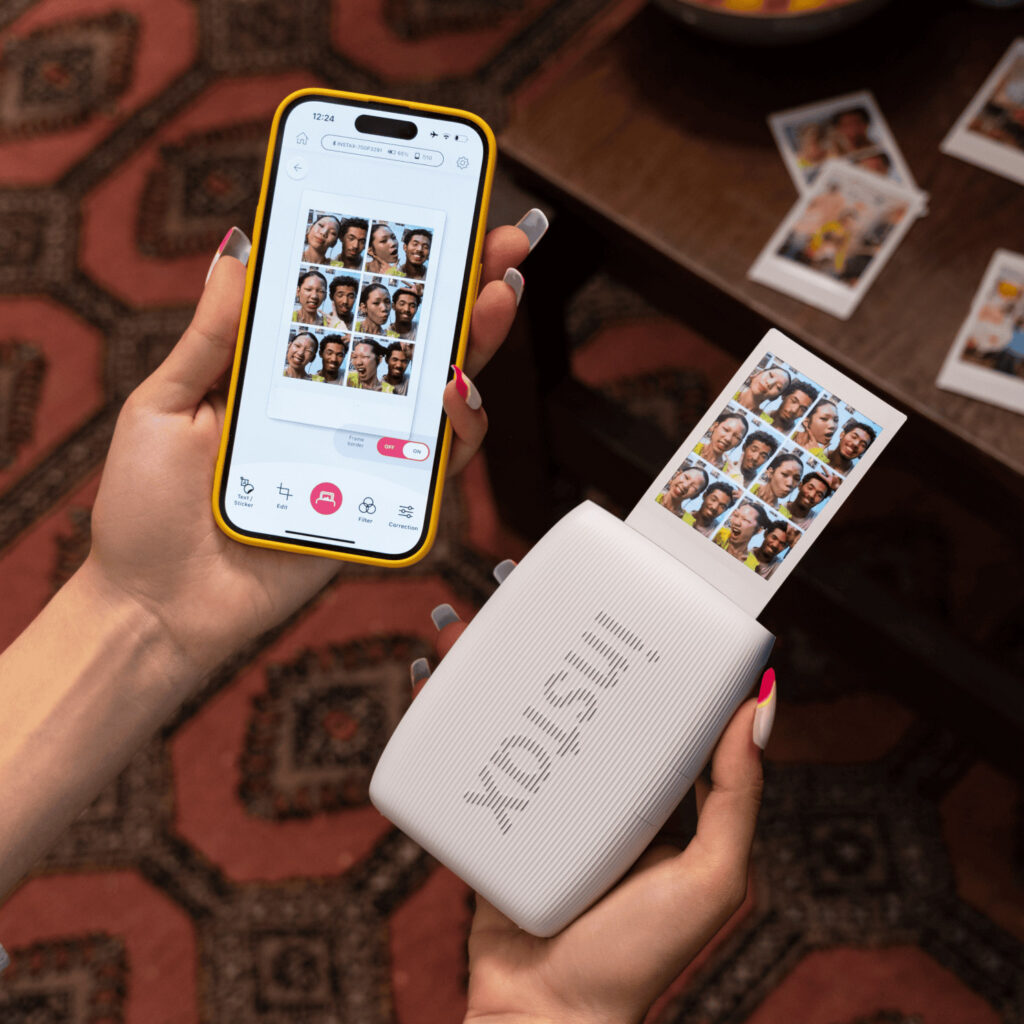
Best for Fun, Fast Smartphone Prints
Fujifilm takes a completely different approach to photo printing.
The INSTAX mini Link 3 is not trying to compete with a large-format ink-jet printer.
It’s trying to make printing social.
The mini Link 3 connects to your smartphone and turns images from your camera roll into INSTAX mini prints. It can also pull a still frame from a video and print that, which is a surprisingly fun way to grab a moment you may not have photographed separately.
The format is small, familiar, and perfect for:
Parties
- Trips
- Dorm rooms
- Photo walls
- Gifts
- Friends
- Weddings
- Everyday snapshots
This is probably the easiest printer on this list to hand to someone and say, “Pick a photo.”
And that’s exactly the appeal.
Fujifilm INSTAX SQUARE Link
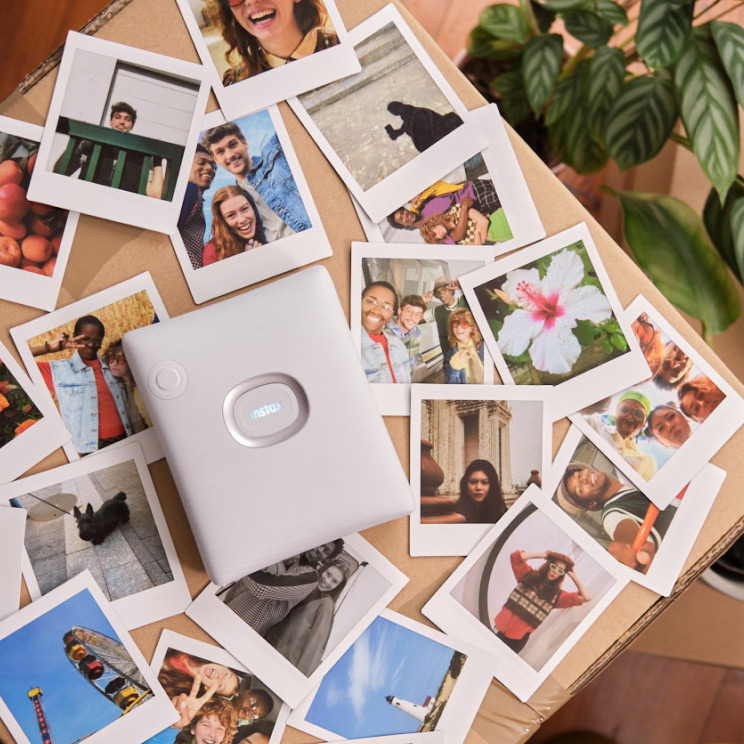
Best for Creators Who Like the Square Format
The INSTAX SQUARE Link gives you a larger square-format print and adds a number of creative features through Fujifilm’s app.
You can add frames, stickers, collage layouts, and even QR-enabled augmented reality features to prints. Fujifilm also offers Rich and Natural colour modes depending on the look you want.
The square format works particularly well for:
- Portraits
- Travel
- Street photography
- Food
- Lifestyle images
- Creative gifts
- Photo displays
It feels a little more substantial than mini prints without moving into a traditional 4 x 6 photo.
Fujifilm INSTAX Link WIDE
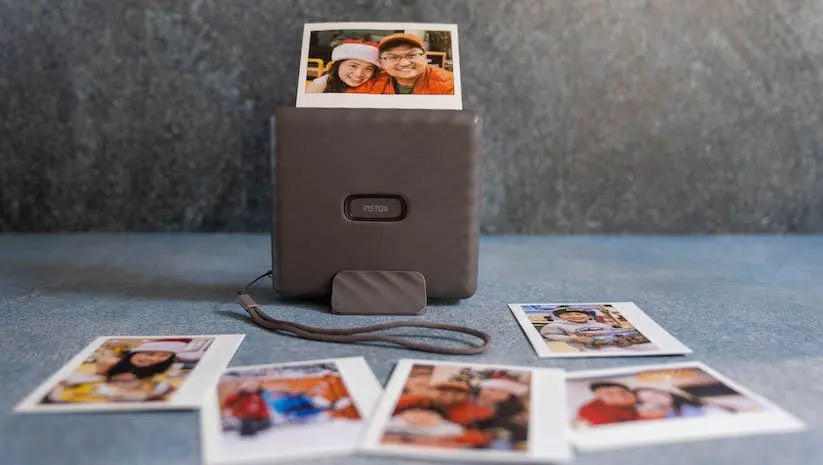
Best for Bigger Instant Prints
If you like the INSTAX experience but want more room for the photograph, the Link WIDE is the one to look at.
It produces 3 x 5-inch INSTAX WIDE prints and connects wirelessly to your smartphone over Bluetooth. Through the app, you can add text, templates, stickers, collage designs, and QR codes linking to things like websites, locations, audio, or messages.
That larger format makes it particularly good for:
- Group photos
- Travel images
- Weddings
- Events
- Landscapes
- Family photos
- Guestbooks
- Creative business promotions
If you’re actually trying to see the image rather than just create a tiny keepsake, the WIDE format is a really nice middle ground.
Canon vs Fujifilm: Which Type of Printer Is Right for You?
The choice is really about what you want the print to do.
| Printer | Best For | Main Advantage |
|---|---|---|
| Canon SELPHY CP1500 | Family and everyday photo printing | Easy, durable 4 x 6 prints |
| Canon SELPHY QX20 | Crafts and portable sticker printing | Small, rechargeable and creative |
| Canon PIXMA PRO-200S | Enthusiast and professional photographers | Large, vibrant 13-inch prints |
| Canon imagePROGRAF PRO-310 | Fine-art and professional printing | Greater control and premium output |
| Fujifilm INSTAX mini Link 3 | Social and casual printing | Fun, fast mini prints |
| Fujifilm INSTAX SQUARE Link | Creative square-format printing | Larger creative instant format |
| Fujifilm INSTAX Link WIDE | Events and larger instant photos | Bigger 3 x 5-inch INSTAX prints |
Dye Sublimation, Inkjet or INSTAX?
You’ll notice these printers use very different technologies.
That matters.
Dye-Sublimation
Canon’s SELPHY printers use dye-sublimation.
The colour is transferred to the paper in stages and finished with a protective layer.
The big advantages are consistency, durability, and prints that come out dry and ready to handle. That makes dye-sub great for families, events, and portable printing.
Inkjet
The Canon PRO printers use dedicated ink systems designed specifically for photographic output.
This gives photographers much more control over colour, tonal range, paper types, print sizes, and the overall look of the final image.
This is the category to look at when image quality is the priority.
INSTAX
Fujifilm’s INSTAX printers use instant film.
That’s a completely different experience.
The print itself is part of the fun.
You hit print, hand it to someone, and watch the image develop.
It’s photography becoming social again.
Why Not Just Order Prints?
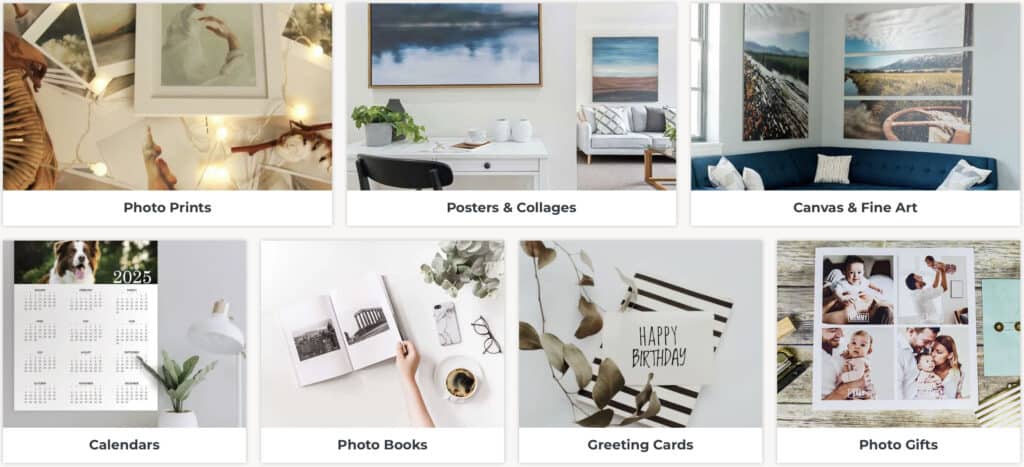
You absolutely can.
Henry’s Photo Centre remains a great choice when you want larger prints, wall art, canvas, framed products, aluminum prints, or professional lab output. Henry’s prints smaller than 12 inches on Fujifilm heavyweight paper and offers large-format options up to 24 inches in multiple finishes.
Owning a printer doesn’t replace a photo lab.
It gives you another option.
Home printing is ideal when you want:
- Immediate results
- More creative control
- Small quantities
- Test prints
- Last-minute gifts
- Event printing
- The enjoyment of making the finished print yourself
For bigger projects or specialty products, a professional lab still makes a lot of sense.
A Few Tips for Better Prints at Home
Start With a Good File
Printing exposes problems that can be easy to miss on a screen.
Check focus, noise, exposure, and resolution before printing.
Calibrate Your Monitor
If you’re getting serious about printing, monitor calibration is one of the best investments you can make.
Your monitor and printer need to be speaking roughly the same visual language.
Otherwise you may wonder why your beautiful bright edit suddenly prints much darker.
Don’t Over-Brighten Your Screen
Modern displays are extremely bright.
A print isn’t.
If your monitor brightness is cranked up, your images may look perfect on-screen but print too dark.
Use the Right Paper
Paper changes photographs dramatically.
Glossy paper can emphasize colour and contrast.
Matte paper can create a softer, more artistic look.
Textured fine-art papers can completely transform the feel of a landscape or black-and-white photograph.
Experiment.
Make Test Prints
Before making a large final print, create something smaller.
Look at it under normal room lighting.
Then make your adjustments.
This is one of the biggest advantages of having your own printer.
Your Photography Doesn’t Have to End on a Screen
We spend a lot of time talking about cameras.
Megapixels.
Autofocus.
Dynamic range.
Lenses.
Editing.
But the photograph doesn’t have to stop when you export the JPEG.
Printing is the final stage of photography that many people never experience.
Whether you’re making a quick INSTAX print for a friend, creating 4 x 6 family photos with a SELPHY, or producing a 13 x 19-inch landscape on a Canon professional printer, putting an image on paper changes the way you experience it.
And sometimes the best way to appreciate the camera gear you already own is to finally see what your photographs look like off the screen.
Explore More
- What’s in My Bag: My Essential Camera & Editing Gear for Content Creation
- 4 EASY Steps to Editing RAW Images Like a Pro
- Snap, Print & Share: 2025 Gift Guide for Polaroid & Instant Camera Lovers
- DIY Printing with Canon Printers: Bring Your Photography to Life at Henry’s
- Tips and Tricks for Exceptional Photo Prints

Canada’s Greatest Camera Store
Henry’s has long been known in the Canadian photographic industry as the source for the best and newest products, informed Imaging Experts, award-winning customer service and competitive pricing. Henry’s, competitive pricing since 1909 and has evolved into Canada’s largest independent photographic and digital retailer.